Age-Friendly Product Usability: How to Evaluate Everyday Ease of Use
Age-friendly product usability is about whether an intended user can understand and manage a product during a real task. Evaluate the controls, instructions, physical handling, feedback, and maintenance in the setting where the product will be used. A product’s feature list or certification badge does not by itself establish that an individual will find it easy to use.
What is the difference between usability and product performance?
Performance concerns what a product does under defined conditions. Usability concerns how a person interacts with it to achieve a goal. A device may perform its technical function while still having labels that are difficult to read or adjustments that a user cannot comfortably operate.
Both questions matter. Do not substitute a user demonstration for technical evidence, or technical evidence for an assessment of everyday interaction.
Define a task before judging the design
Choose a specific, appropriate activity, such as finding a control, opening a container, reading an instruction, or preparing a non-clinical daily living aid for use. State what successful completion looks like and which assistance is expected.
Include the intended user’s preferences and obtain permission before observing. Avoid asking anyone to perform an unsafe or unfamiliar movement. Products involving mobility, transfers, body-weight support, or clinical care require appropriate professional input; a casual shopping trial is not an adequate assessment.
Can the user find and read essential information?
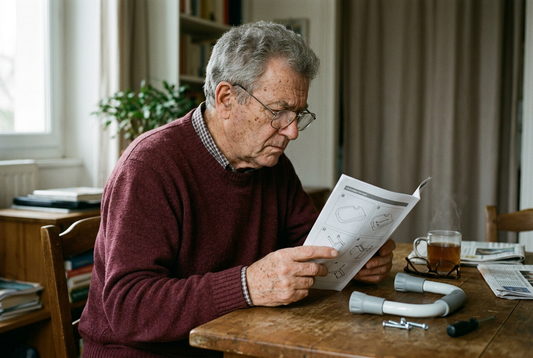
Examine the labels, instructions, adjustment markings, and displays in the actual lighting where possible. Check whether reflections obscure the information and whether the wording is understandable. Large text alone does not resolve confusing terminology or an unclear layout.
Ask the user to explain what a label means in their own words. This reveals more than asking whether the label looks clear. Do not assume that every older adult has the same visual ability or prefers the same format.
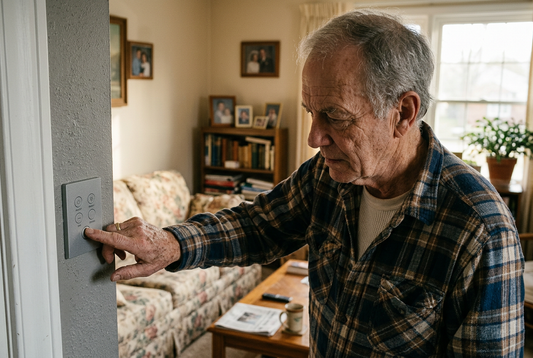
Can the user reach and operate the controls?
Consider control position, grip, turning or pressing actions, and whether simultaneous movements are required. The appearance of an ergonomic handle does not establish that it suits a particular person.
Observe normal use only when appropriate and safe. Record where the person changes grip, needs help, or stops because of discomfort. Do not infer a medical condition from these observations. Use them to identify questions for the supplier or an appropriately qualified professional.
Does the product explain what happened?
After a button is pressed or an adjustment is made, can the user tell whether the action succeeded? Look for understandable feedback and clear identification of the current state. Feedback may be visual, audible, or tactile, depending on the design and task.
A sound alone may be unsuitable in some environments, just as a small indicator may be difficult to notice. Evaluate the combination available rather than assuming that one type of signal will serve everyone.
What happens when something goes wrong?
Read the instructions for common operating issues. Can a user identify a low battery, an incomplete setup, or a condition requiring support? Is the next step clear? Do not deliberately create a hazardous fault to test these questions.
For powered or connected products, ask the supplier how ordinary functions behave during a loss of connectivity or power. Avoid assuming that every feature continues to work offline.
Include cleaning, storage, and setup
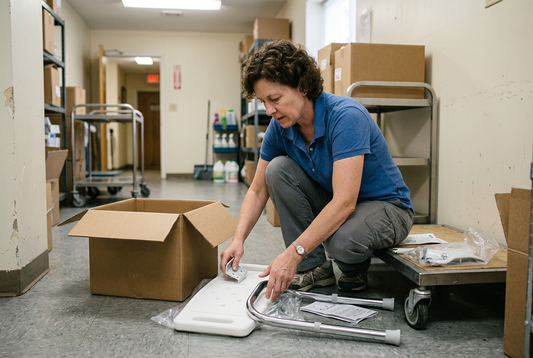
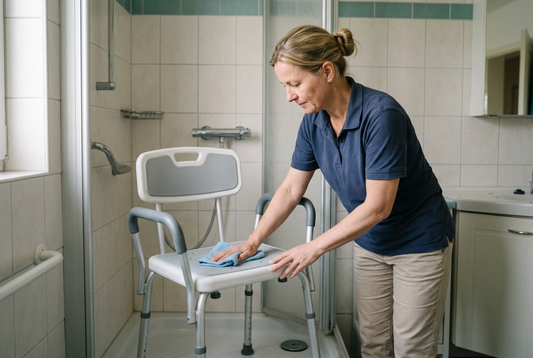
A product can be easy to operate but difficult to maintain. Review how it is unpacked, assembled, cleaned, stored, and prepared for the next use. Include the person who will perform each task, which may be a caregiver rather than the primary user.
Ask whether instructions require tools, replacement components, or service visits. Compare those requirements with the household’s or care facility’s realistic resources.
Record observations consistently
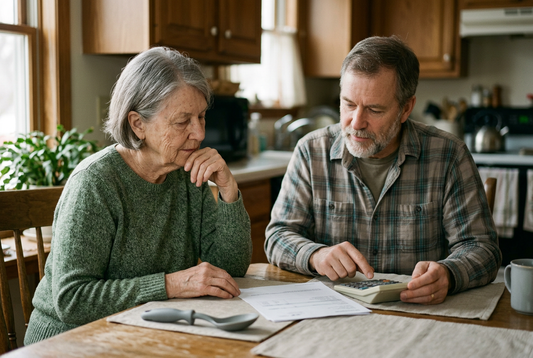
Use the same task and similar conditions when comparing products, where feasible. Record whether the task was completed, what assistance was needed, what the user said, and which problems occurred. Separate direct observations from assumptions.
Completion time can provide context, but faster is not automatically better. Comfort, understanding, independence, and correct use may matter more than speed. Do not turn a small informal evaluation into a broad claim that a product is suitable for all older adults.
How does usability relate to certification?
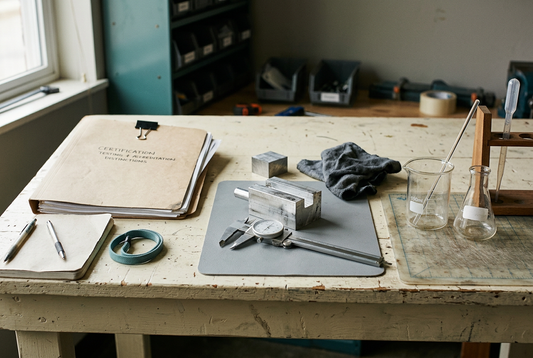
If a supplier says a product has undergone usability assessment, ask for the named scheme or method, the tasks considered, the user group involved, and the scope of the findings. Clarify whether the evidence concerns the exact model and configuration offered.
A report about physical durability does not automatically establish ease of use. Equally, positive user feedback does not establish conformity with a technical standard. Keep each claim linked to the evidence that actually addresses it.
Example: comparing two daily living controls
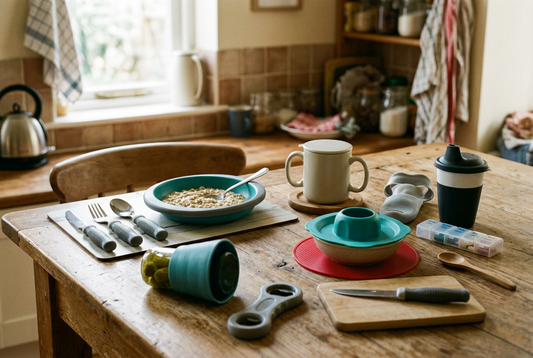
Imagine two products with similar functions. One has more settings, while the other has fewer but more clearly identified controls. Instead of assuming that more features provide better value, compare whether the intended user can find the needed setting, recognize its state, and return to the normal mode without unnecessary help.
This is an illustrative comparison, not a test result. The better option depends on the user’s task and preferences.
Frequently asked questions
Does “senior-friendly” mean that usability has been independently assessed?
Not necessarily. Ask the supplier what evidence supports the wording and what was actually evaluated.
Can a caregiver assess usability without involving the user?
A caregiver can identify practical concerns, but the intended user’s perspective should be included whenever appropriate. Their comfort and preferences may differ from the observer’s assumptions.
Is an informal demonstration a certification?
No. It can inform a purchasing decision, but it should not be described as independent certification or a formal conformity assessment.
Choose for everyday interaction
Begin with a real task, include the intended user, and evaluate the whole routine rather than a single attractive feature. Document what was observed and seek specialist advice where the task requires it.
For broader selection guidance, read What Are Age-Friendly Products? A Practical Buying Guide. To distinguish different forms of evidence, see How to Read Test Reports for Age-Friendly Products.
Tags:
Previous
How to Read Test Reports for Age-Friendly Products
Next
Age-Friendly Product Maintenance: Cleaning, Inspection, and Replacement